
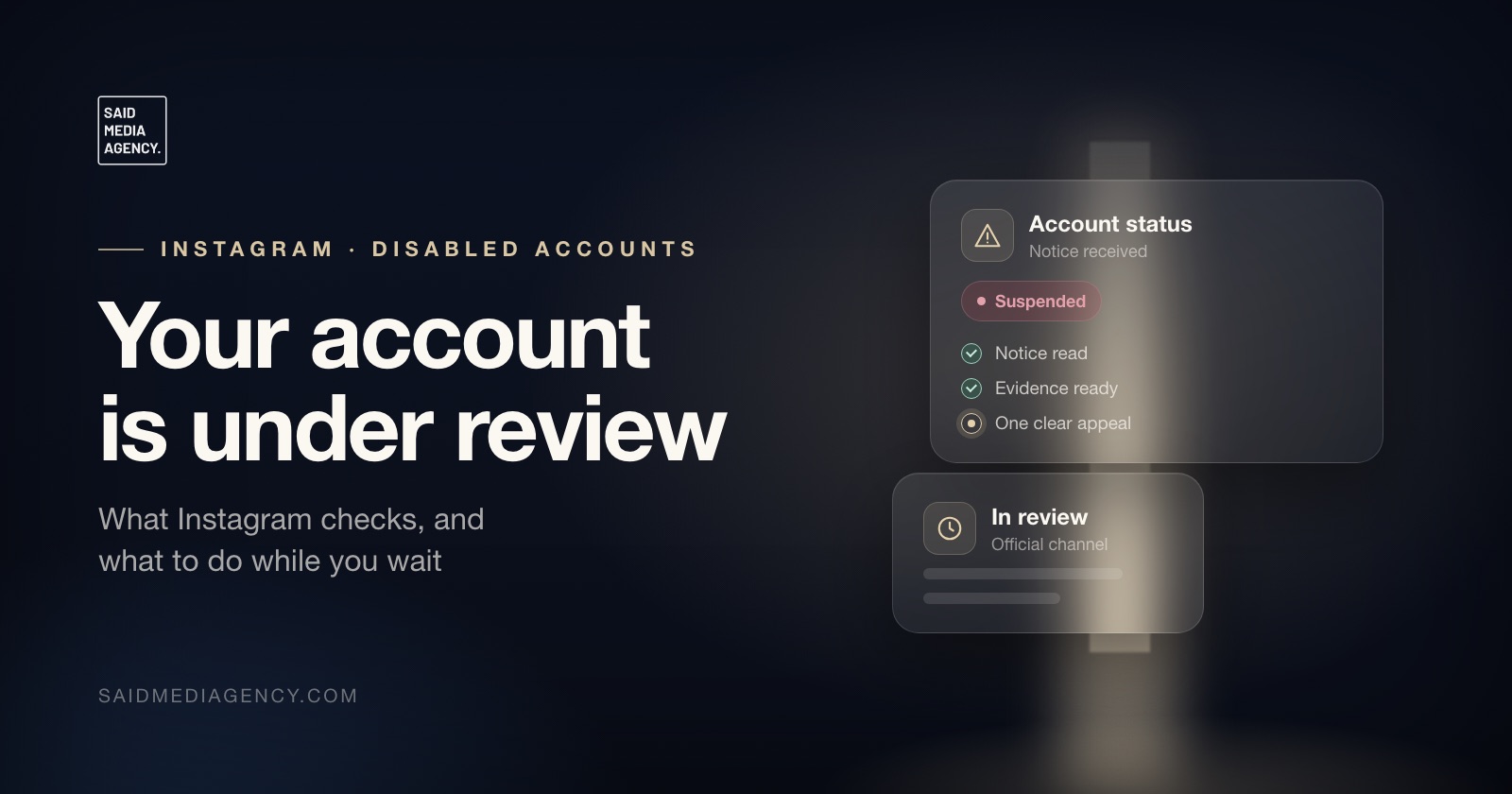
When Instagram says it is reviewing your account, a decision is pending: either Meta is looking at your request to reverse a suspension or removal, or it has flagged the account and is checking it before deciding. During the review you usually cannot use the account normally, and a disabled account is hidden from others. The best thing you can do is keep your email and phone reachable, secure the account, and wait without filing new requests or creating new accounts.
That advice sounds passive, but in our experience the review stage is where many recoverable accounts are lost: to duplicate appeals, replacement accounts and recovery scams. Here is what the screen means and what is actually happening.
The short answer
- “Under review” is not a verdict. It means Meta has not finished deciding.
- There is no published timeline. For content reviews, Instagram says it may take up to 90 days, and some requests are closed unreviewed.
- Keep your contact details working. Identity checks and decisions arrive by email, text or in the app.
- Check status, do not resubmit. Use Account Status or Support Requests.
- Do not open a new account or pay anyone to speed things up.
Three situations that show a review
1. You disagreed with a suspension or disabled account. Instagram’s help page on disabled accounts says that if you think your account was disabled by mistake, you “may be able to ask us to review the decision by logging into Instagram and following the on-screen instructions.” After you submit, the app confirms the request, and the account waits for the outcome. The wording on these screens varies by region and case, so rely on the date and the options shown rather than the exact phrase.
2. Meta flagged the account before deciding. Some reviews start on Meta’s side. Instagram’s page on data scraping restrictions, for example, says: “Your account may have been restricted and flagged for further review because we may have detected activity that goes against our Terms of Use”. It lists causes such as automated access and giving your username and password to a third-party app, like apps that offer likes or followers.
3. A piece of content is under review. If you asked Instagram to look again at a removed post, the review sits in Account Status. This is about one item, not the whole account, although Instagram says repeated removals can lead to losing access.
What Meta actually does during a review
Meta does not publish its review steps for individual accounts. What it has said publicly:
- On its content review page, Instagram says it uses “both technology and people around the globe” for review requests, and that “certain appeals may be prioritized for human review”.
- In January 2025 Meta wrote that its appeals process “can be frustratingly slow and doesn’t always get to the right outcome”, and that it had added staff to this work.
- In December 2025 Meta said its appeals process was now faster, “with fewer steps and AI assistance for eligible cases that helps you get a decision sooner.”
Put plainly: some reviews are decided largely by automated systems, some reach a person, and you cannot choose which. What you control is whether the information in front of the reviewer is clear and accurate.
What you may be asked for
In our experience, Meta often wants to confirm that the person asking is the owner before it looks at the merits. Depending on the case, that can mean a code sent to the email or phone on the account, or a short video selfie. Our guide to an Instagram account suspended with 180 days to disagree covers how to prepare for these checks so a missed code does not end the review.
Only respond to requests you can verify in the app or in your account’s security emails. Recovery scammers look for people in exactly this position.
How long it takes
There is no official timeline for account reviews. For content, Instagram says “it may take up to 90 days to hear back from us about our decision, but your request may be closed before we can review it.” Our guide to how long an Instagram appeal takes sets out the realistic ranges by case type.
What to do while you wait
- Take a dated screenshot of the review screen and any notice before it. If the screen changes, you still have a record.
- Keep the email address and phone number on the account working, and check the inbox, including spam, for messages from Meta.
- Secure the email account with a new password and two-factor authentication. If someone else can read that inbox, they can read your verification codes too.
- Remove third-party apps and logins you do not recognise once you can log in. The data scraping page recommends removing suspicious third-party app access, changing your password and turning on two-factor authentication. The same goes for shadowban checker tools that asked for your login.
- Check the status in the app where it is available. Instagram says you can check a review request at any time in Account Status or by tapping the violation in your support requests (Menu, then Help, then Support Requests, then Violations).
- Tell your audience where to find you through email, your website or another platform you already use.
What not to do
- Do not submit duplicate appeals. Instagram’s Terms of Use count “making fraudulent or groundless reports or appeals” as misusing its appeals channels. One accurate request is better than five angry ones.
- Do not open a new Instagram account. Meta says it works to disable “accounts created to get around our restrictions” (Meta). A replacement can be linked to the account under review and can make the outcome worse.
- Do not share login codes or passwords with anyone who offers to check on your review. No one outside Meta can see or speed up its queue.
- Do not delete content you can still reach in an attempt to clean the account. The reviewer looks at what happened, and deleting it removes the context you might need to explain it.
When the review ends
There are three outcomes. The account or content comes back, and Instagram says that if it made a mistake, it will let you know. The review is rejected, often with a statement that the decision is final; our guide to a final decision covers the official routes that remain. Or nothing happens, and the request is closed without a decision, which Instagram warns can occur. In that case, check whether the account still offers a review option before doing anything else.
When to get help
If your account has been under review for weeks, the review was rejected in minutes, or you are not sure which of the three situations you are in, our disabled Instagram account recovery service starts with a free case review. We read the screens and notices with you, prepare the information a reviewer needs, and work only through Meta’s official channels. We cannot speed up Meta’s queue, we do not promise outcomes, and if the violation was real we will tell you so and decline the case.
Frequently asked questions
What does it mean when Instagram says my account is under review?
A decision is pending. Either Meta is looking at your request to reverse a suspension or removal, or it has flagged the account and restricted it while it checks activity, for example suspected data scraping. The screen is not a final decision in either direction.
How long does an Instagram account review take?
Meta publishes no fixed time for account reviews. On its page about content reviews, Instagram says certain appeals are prioritized for human review, that it may take up to 90 days to hear back, and that a request may be closed before it is reviewed.
Can people see my profile while Instagram reviews it?
If the account is disabled, no. Instagram says an account is no longer visible to others once it is disabled, so followers cannot find it during the review. If only content or features are restricted, the profile usually stays visible.
Should I submit another appeal if the review is taking too long?
No. Instagram's Terms of Use list making groundless reports or appeals as a misuse of its appeals channels, and duplicate requests do not move you up a queue. Check the status in Account Status or Support Requests instead.
Can I make a new account while my account is under review?
No. Meta says it works to disable accounts created to get around its restrictions, and a new account can be linked to the one under review. Keep in touch with your audience through email or a website until the review ends.
Need this handled?
Disabled Instagram Account Recovery
This guide connects to our disabled instagram account recovery service. If you would rather have the process managed for you, start with a free case review.