
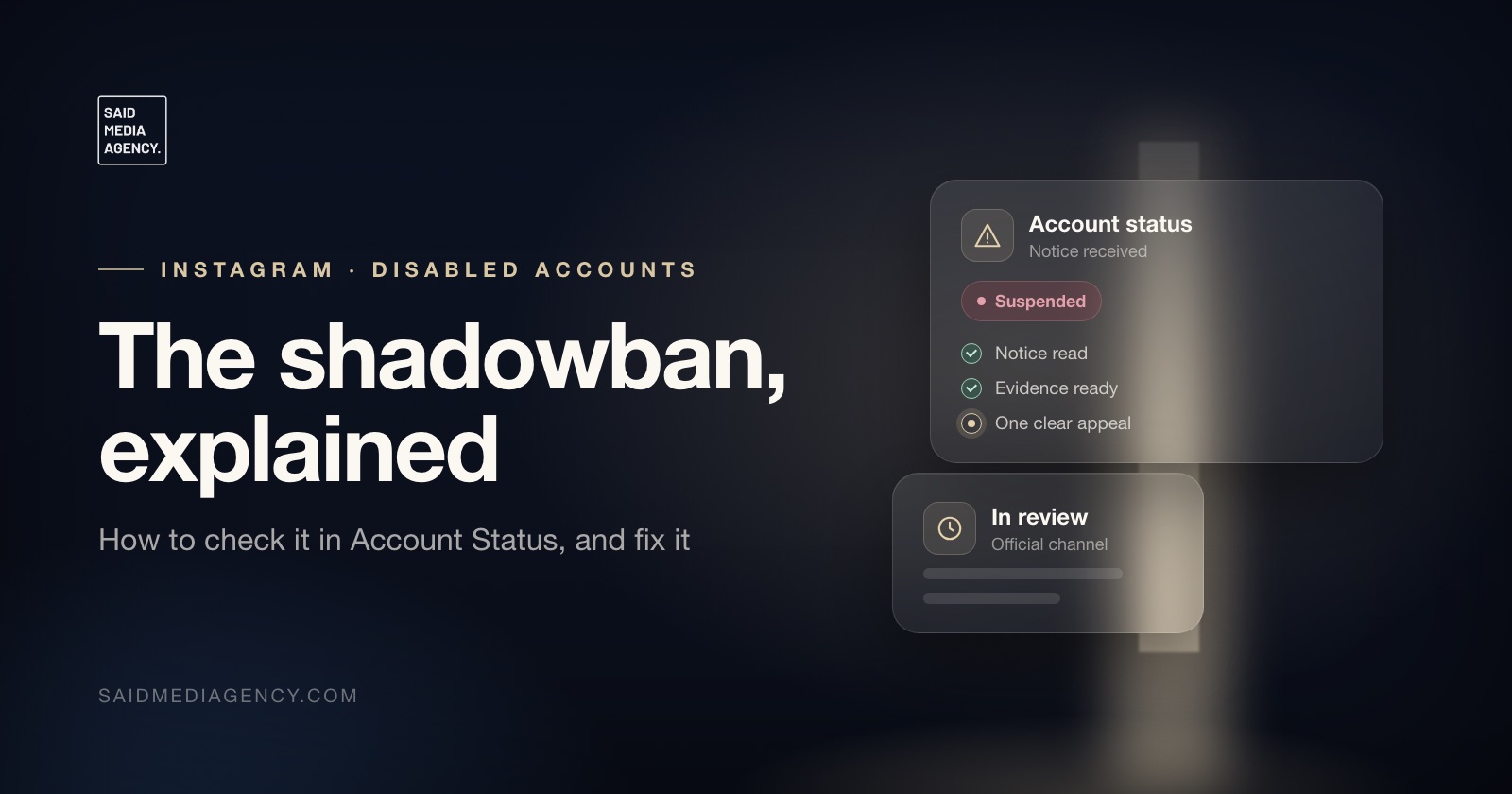
“Shadowban” is not a word Instagram uses, but the thing people mean by it is real and documented. Instagram’s Recommendations Guidelines say it tries not to recommend certain content and certain accounts to people who do not follow them. When that applies to you, your posts still reach followers, but they stop appearing in Explore, Reels and suggested accounts for everyone else. Reach collapses, and nothing on screen tells you why unless you know where to look.
The good news is that there is a place to look, and an official way to fix it.
The short answer
- Check: Settings, then Account, then Account Status. It shows whether your content is eligible to be recommended to non-followers.
- See why: if something is flagged, Account Status shows a sample of the content or profile elements involved.
- Fix: edit or delete what is flagged, and remove the behaviour behind it.
- Disagree: if you think Instagram got it wrong, Account Status lets you ask the review team to take another look.
- Do not: buy likes, post recycled content, or delete everything in a panic. Each of those makes it worse or tells you nothing.
What a “shadowban” actually is
Instagram has two sets of rules. The Community Guidelines decide what is allowed on Instagram at all; content that breaks them is removed. The Recommendations Guidelines are stricter: they decide what Instagram is willing to show to people who did not choose to follow you. Instagram’s help page explains the reasoning directly: it holds content from accounts people do not follow to a higher standard.
So content can be perfectly allowed and still not be recommended. That gap is where most “shadowbans” live. Your account is not hidden, your posts are not deleted, and your followers still see you. What disappears is distribution to new people, which for creators and businesses is most of the growth.
How to check it in Account Status
Open Instagram, go to Settings, tap Account, then Account Status. Instagram describes Account Status as the place to see what is happening with your account and content distribution. When content is not eligible to be recommended to non-followers, Instagram says you can:
- See the issue: a sample of content or parts of your profile that may go against the Recommendations Guidelines.
- Fix it: edit or delete the posts involved.
- Ask for a review: request that the review team takes another look if you think the decision is a mistake.
If Account Status shows nothing and your reach is still down, the cause is probably not a recommendation restriction. Seasonal dips, a change in what your audience engages with, or a format that no longer performs explain more drops than any penalty does.
What triggers it
Instagram’s Recommendations Guidelines are unusually specific, which helps. Content it avoids recommending falls into three groups:
- Content that gets in the way of a safe community, such as sexually suggestive material, graphic violence, self-harm themes, or content promoting regulated products like tobacco, vapes and weight-loss products.
- Low-quality content, including unoriginal posts taken from another source with only minor, unimportant edits, and long captions unrelated to the post, or coordinated comment networks, designed to inflate engagement and distribution artificially.
- False or misleading content, in countries where Meta works with independent fact-checkers.
At account level, the guidelines say Instagram tries not to recommend accounts that:
- have recently violated the Community Guidelines;
- repeatedly or recently put content it avoids recommending in the account name, username, profile photo, bio or profile;
- repeatedly use misleading practices to build a following, such as buying likes;
- are banned from running ads on Meta’s platforms;
- recently and repeatedly shared content rated false or altered by independent fact-checkers;
- repeatedly post content prominently featuring an AI-generated photorealistic person without using the AI-generated profile label.
Read that list against your own account honestly. Most cases we see come down to one of three: a past violation that has not aged out, engagement that was bought or traded, or a feed built on reposted content.
How to fix it
1. Start with Account Status. Fix what it flags first. If a reel is flagged, edit or delete it. If your bio or profile photo is flagged, change it. Guessing is slower than reading what Instagram has already told you.
2. Remove the cause, not just the post. If you used a growth service, engagement pod or comment network, stop. Instagram names bought likes and coordinated comment networks explicitly. If you repost other people’s content, switch to original material; unoriginal content with minor edits is on the list of things Instagram avoids recommending.
3. Check for a past violation. If Account Status shows removed content or a recent violation, that alone can make the account ineligible for a while. Appeal the violation if it was wrong; our guide to why Instagram rejects appeals in minutes explains how to give a review a real chance.
4. Request a review if Instagram got it wrong. If the flagged content does not break the Recommendations Guidelines, use the review option in Account Status. Do it once, for the specific item, rather than repeatedly.
5. Give it time and keep posting normally. The guidelines speak of recent and repeated behaviour. Once the flagged items are fixed and nothing new is flagged, eligibility generally recovers. Instagram does not publish a fixed timeline.
What does not work
- Deleting your whole feed. It removes the evidence you need to understand the problem, and old posts that were never flagged were not the cause.
- Switching between personal, creator and business accounts. It does not reset recommendation eligibility.
- Hashtag myths. Lists of “banned hashtags” circulate constantly. Account Status is a more reliable source than any list.
- Paid “shadowban removal”. Nobody outside Instagram can lift a recommendation restriction. Services that promise it, especially ones asking for your login details, are a common route to a hacked account.
When it is more than a shadowban
If Account Status shows features restricted, a warning that the account is at risk, or a suspension notice, you are past recommendation eligibility and into enforcement. That has its own process and deadlines. Our guide to an Instagram account suspended with 180 days to disagree covers what to do first, and our disabled Instagram account recovery service starts with a free case review. We work only through Instagram’s official channels, and we tell you honestly when the cause is something the account did.
Frequently asked questions
Is the Instagram shadowban real?
Instagram does not use the word, but the effect people describe is real and documented. Instagram's Recommendations Guidelines say it tries not to recommend certain content and accounts to people who do not follow them. When that happens, your posts can still reach followers but stop appearing in Explore, Reels and suggestions for non-followers.
How do I check if my Instagram account is shadowbanned?
Open Settings, then Account, then Account Status. Instagram describes Account Status as the place to see what is happening with your account and content distribution, including whether content is eligible to be recommended to non-followers. If something is flagged, it shows a sample of the content or profile elements involved.
How long does an Instagram shadowban last?
There is no fixed duration. Instagram's guidelines refer to accounts that have recently violated its rules or recently and repeatedly posted content it avoids recommending, so eligibility generally returns once the flagged content is fixed and no new issues appear. If you believe the flag is a mistake, Account Status lets you request another review.
Can buying followers or likes cause a shadowban?
Yes. Instagram's Recommendations Guidelines list accounts that repeatedly engage in misleading practices to build followings, such as purchasing likes, among the accounts it tries not to recommend.
Will deleting and reposting content fix it?
Usually not. Reposting the same material, or unoriginal content with only minor edits, is itself something Instagram avoids recommending. Fix or remove what Account Status flags, then post original content.
Need this handled?
Disabled Instagram Account Recovery
This guide connects to our disabled instagram account recovery service. If you would rather have the process managed for you, start with a free case review.